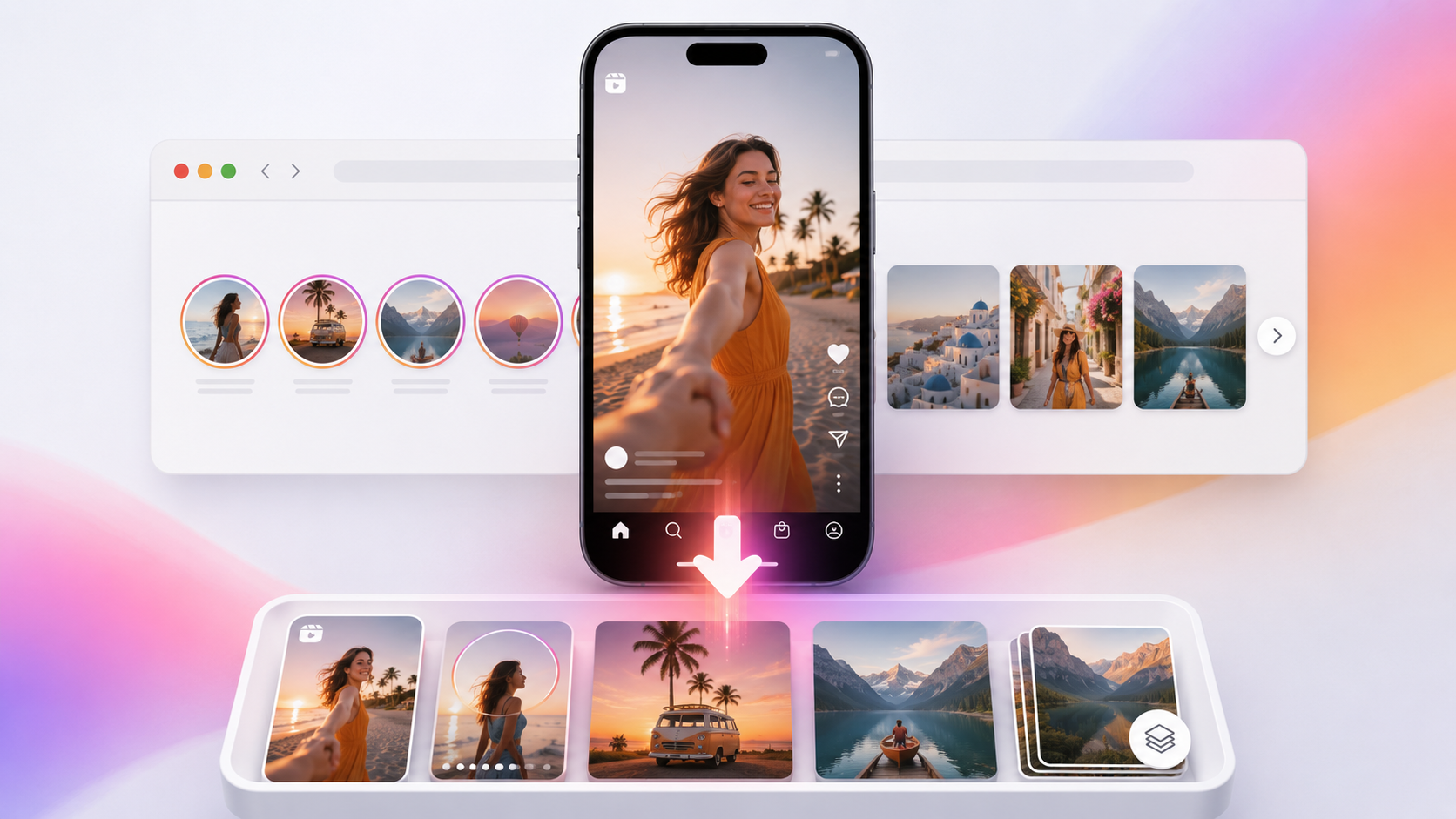
Want to save an Instagram Reel, Story, video or photo to your phone? A free Instagram video downloader online makes it simple. Copy the Instagram link, paste it into VdoSaver and download the available media directly to your device.
With VdoSaver Instagram Downloader, you can download supported Instagram Reels, Stories, video posts, photos and carousels from public accounts. It works directly in your browser, so there is no app to install, no Instagram login required and no complicated setup.
Whether you're using an iPhone, Android phone or computer, the process is simple:
Copy Instagram Link → Paste into VdoSaver → Download
What Can You Download from Instagram?
VdoSaver works as an all-in-one Instagram downloader online for different types of public Instagram content.
Content Type | Supported | What You Can Save |
|---|---|---|
Instagram Reels | ✓ Yes | HD videos without added watermark |
Instagram Stories | ✓ Yes | Story videos and photos before expiry |
Instagram Videos | ✓ Yes | Supported public video posts |
Instagram Photos | ✓ Yes | Photos in available quality |
Instagram Carousels | ✓ Yes | Multiple photos and videos |
IGTV Videos | ✓ Yes | Supported full-length videos |
Private Profiles | ✗ No | Public content only |
How to Download Instagram Videos Online
Using a free Instagram video downloader does not require any technical knowledge.
Follow these simple steps:
Open Instagram and find the Reel, Story, video, photo or carousel you want to save.
Tap the Share button or three-dot menu.
Select Copy Link.
Open the VdoSaver Instagram Downloader in your browser.
Paste the copied Instagram URL into the download box.
Tap Download.
Choose the available quality and save the media to your device.
That's it.
There is no need to install another Instagram downloader app or enter your Instagram password.
Try it now: Paste your Instagram link and save supported videos, Reels, Stories and photos.
Open the Free Instagram Downloader
Download Instagram Reels in HD
Instagram Reels are great for tutorials, travel clips, recipes, creative ideas, product videos and short-form entertainment.
If you want to download Instagram Reels, copy the public Reel link from Instagram and paste it into VdoSaver.
The Instagram Reels downloader detects the supported video and gives you an available download option.
How to Download an Instagram Reel
Open the Reel on Instagram.
Tap Share or the three-dot menu.
Select Copy Link.
Paste the URL into VdoSaver.
Tap Download.
Save the available Reel to your device.
Using a browser-based Instagram Reel downloader is especially useful when you don't want to install another application just to save a video.
Download Instagram Reels Without Watermark
Looking for a way to download Instagram Reels without watermark?
VdoSaver does not add its own watermark to supported Reel downloads, allowing you to save the available video without an extra VdoSaver logo added over it.
This can also be more convenient than screen recording, which may capture Instagram buttons, notifications or other unwanted elements on your screen.
Always remember that downloading content does not change its ownership. Save content you own or have permission to download and reuse.
Download Instagram Stories Before They Disappear
Instagram Stories are temporary and normally remain available for a limited time.
If you want to save your own Story or another public Story you have permission to download, an Instagram Story downloader can help you save the available photo or video before the Story expires.
How to Download an Instagram Story
Open the Instagram Story.
Copy the available Story link.
Open VdoSaver.
Paste the Instagram URL.
Tap Download.
Save the available Story media.
Because Stories disappear, it is better to download permitted content while it is still publicly available.
Download Instagram Photos Online
Instagram isn't only about videos.
With an Instagram photo downloader, you can save supported public Instagram photos directly through your browser.
Simply copy the Instagram photo post URL, paste it into VdoSaver and download the available image.
This can be useful when you want to back up your own Instagram photos or keep authorized images for offline reference.
Download Instagram Carousel Posts
An Instagram carousel can contain multiple photos, videos or a combination of both.
Instead of dealing with each slide separately, an Instagram carousel downloader can detect the available media from a supported public carousel post.
Carousel downloads can be useful for:
Step-by-step tutorials
Photo collections
Travel guides
Educational posts
Product demonstrations
Before-and-after posts
Multi-slide visual guides
Copy the carousel post link, paste it into VdoSaver and check the available media.
Download Instagram Videos on iPhone
You can use VdoSaver as an Instagram video downloader on iPhone directly through Safari.
Here's how:
Open Instagram on your iPhone.
Copy the Reel, Story or post link.
Open Safari.
Visit VdoSaver Instagram Downloader.
Paste the Instagram URL.
Tap Download.
Save the available file.
Your downloaded media can usually be accessed through the Files app or Safari Downloads, depending on your iPhone settings.
No separate Instagram downloader app or jailbreak is required.
Download Instagram Videos on Android
Downloading Instagram videos on Android is just as simple.
Open Instagram.
Copy the public Instagram video or Reel URL.
Open Chrome.
Visit VdoSaver.
Paste the link.
Tap Download.
Save the available media.
Downloaded files will normally appear in your Android Downloads folder or another location selected by your browser.
Why Use an Online Instagram Video Downloader?
A browser-based Instagram video downloader online keeps the process simple.
No App Installation
You don't need to install another downloader application on your phone.
No Instagram Login
You don't need to enter your Instagram username or password into VdoSaver for supported public content.
Works on Mobile & Desktop
Use it through Safari, Chrome or another compatible browser on iPhone, Android, laptop or desktop.
Multiple Instagram Formats
One tool can help with supported:
Instagram Reels
Stories
Videos
Photos
Carousel posts
Simple Copy-and-Paste Process
There is no complicated setup.
Just:
Copy Link → Paste Link → Download
Can You Download Instagram Videos from Private Accounts?
No.
VdoSaver works with supported public Instagram content.
Content from private Instagram accounts is not publicly accessible and cannot be downloaded through the tool.
If a Reel, Story or post is private, deleted, expired or restricted, it may not be available for download.
Why Is My Instagram Video Not Downloading?
If an Instagram link isn't working, check these common issues.
The Account Is Private
Private Instagram posts cannot be processed as normal public links.
The Story Has Expired
Instagram Stories are temporary. Once the original Story expires, it may no longer be available.
The Post Was Deleted
If the creator deletes the Reel, photo or video, the copied URL may stop working.
The Instagram Link Is Incorrect
Copy the link again directly from Instagram and paste the complete URL into VdoSaver.
The Content Is Restricted
Some Instagram content may have account, location or availability restrictions.
Instagram Downloader on iPhone vs Android
The downloading process is almost identical on both platforms.
Feature | iPhone | Android |
|---|---|---|
Browser | Safari | Chrome |
App Installation | Not required | Not required |
Instagram Login | Not required | Not required |
Reels Download | ✓ | ✓ |
Stories Download | ✓ | ✓ |
Photos Download | ✓ | ✓ |
Carousels | ✓ | ✓ |
The main difference is where your browser stores the downloaded file.
Free Instagram Downloader for Reels, Stories & Photos
You don't need a complicated tool to save supported Instagram media.
VdoSaver brings Instagram video downloader, Instagram Reels downloader, Instagram Story downloader and Instagram photo downloader features together in one browser-based tool.
Simply find the content you want to save, copy its Instagram link and paste it into VdoSaver.
Ready to download?
Save supported Instagram Reels, Stories, videos, photos and carousel posts directly from your browser.
Use VdoSaver Instagram Downloader
Related Guides
YouTube
How to Download YouTube Videos for Free
TikTok
How to Download TikTok Videos Without Watermark
Video Downloaders
VdoSaver
Download supported videos and media from popular platforms directly through your browser.