Pinterest is one of the easiest places to discover creative ideas, tutorials, recipes, DIY projects, fashion inspiration, workout videos, travel ideas, home décor, and short educational content.
But sometimes simply saving a Pin to a Pinterest board isn't enough.
You may want to keep a useful video on your phone or computer so you can watch it later without searching for the Pin again.
So, how to download Pinterest videos?
If the Pin is publicly available and you have permission to save the content, you can use an online Pinterest video downloader.
In this guide, we'll explain how to download Pinterest videos online, copy the correct Pin URL, save Idea Pin videos and GIFs, and download Pinterest content on Android, iPhone, Windows, and Mac.
Quick Answer: How to Download a Pinterest Video
If you just want the steps, here's the quickest method:
Open Pinterest.
Find the video Pin you want to save.
Tap or click the Share option.
Choose Copy Link.
Open the VdoSaver Pinterest Video Downloader.
Paste the Pinterest link.
Click Download.
Save the available video to your device.
The basic process is:
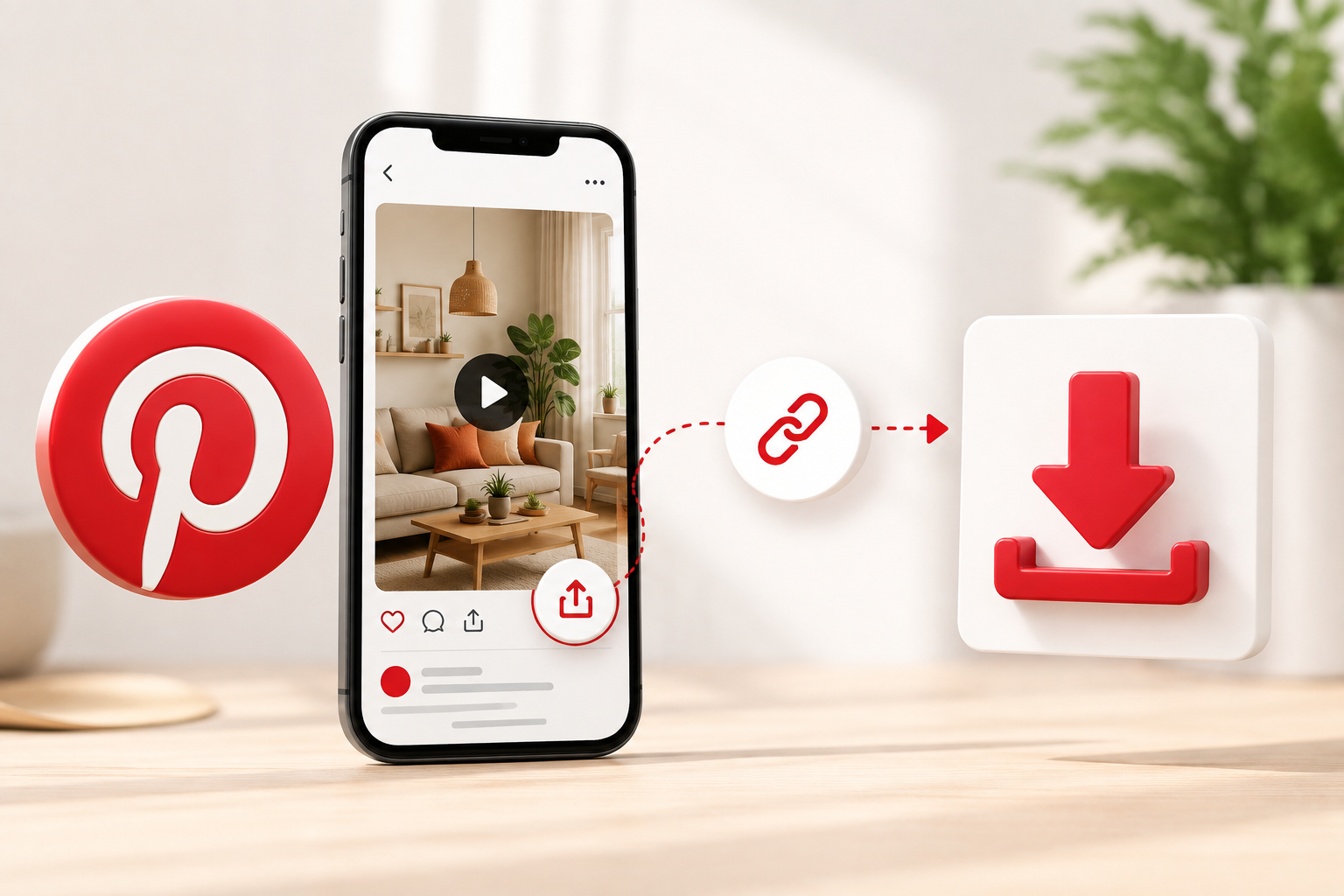
Copy Pinterest Link → Paste URL → Download Video
No complicated setup is needed for supported public Pins.
What Is a Pinterest Video Downloader?
A Pinterest video downloader is an online tool that helps you save supported video content from publicly accessible Pinterest Pins.
Instead of recording your screen, you can copy the Pin link and paste it into a browser-based downloader.
Depending on the original Pin, supported content may include:
Pinterest videos
Idea Pin videos
Animated Pinterest GIFs
Public video Pins
This can be useful when you want to keep permitted content available for offline viewing.
How to Copy a Pinterest Video Link
Before downloading anything, you first need the correct Pinterest Pin URL.
On the Pinterest App
Follow these steps:
Open the Pinterest app.
Find the video Pin.
Open the Pin.
Tap the Share icon.
Select Copy Link.
The Pinterest URL will now be copied to your clipboard.
On Desktop
If you're using Pinterest in a browser:
Open Pinterest.
Select the video Pin.
Open the individual Pin page.
Copy the URL from your browser's address bar.
You can then paste the copied URL into a compatible Pinterest downloader.
How to Download Pinterest Videos Online
Once you have copied the Pinterest Pin link, downloading the supported video is straightforward.
Step 1: Find the Video Pin
Open Pinterest and find the video you want to save.
Make sure you're opening the individual Pin rather than only the Pinterest board or profile.
Step 2: Copy the Pin URL
Use the Share menu and select Copy Link, or copy the URL from your browser.
Step 3: Open the Pinterest Video Downloader
Open the VdoSaver Pinterest Video Downloader in your browser.
Step 4: Paste the Pinterest Link
Paste the copied Pin URL into the download field.
Step 5: Process the Pin
Click Download and allow the tool to detect the available media.
Step 6: Save the Video
Choose the available download option and save the video to your phone or computer.
For supported Pins, everything can be done directly through a web browser.
What Types of Pinterest Content Can You Download?
Pinterest contains different types of visual content.
Here are some of the main supported video formats you may want to save when you own the content or have permission to download it.
Pinterest Content Type | Common Examples | Why People Save It |
|---|---|---|
Pinterest Videos | Recipes, DIY clips, workouts, tutorials | Watch useful content later |
Idea Pin Videos | Step-by-step guides, inspiration, demonstrations | Keep multi-step ideas for reference |
Animated GIFs | Short animations, visual examples | Save animations for offline viewing |
Tutorial Videos | Beauty, craft, design, cooking, fitness | Follow instructions without searching again |
Product Videos | Demonstrations, styling ideas, product inspiration | Review products or ideas later |
Own Pinterest Content | Videos uploaded by you or your business | Keep local backups of original content |
Pinterest Video Download Options by Device
You don't need a completely different method for every device.
Device | How to Download | Extra Software Needed? |
|---|---|---|
Android | Copy Pin link → Open browser → Paste → Download | No |
iPhone | Copy Pinterest link → Open Safari → Paste → Save | No |
Windows PC | Copy Pin URL → Open downloader → Save video | No |
Mac | Copy Pin link → Open browser → Download | No |
Tablet | Copy public Pin URL → Paste into browser tool | No |
Let's look at each method in more detail.
How to Download Pinterest Videos on Android
Android users can download supported public Pinterest videos directly through a web browser.
Steps:
Open the Pinterest app.
Find the video Pin.
Tap Share.
Select Copy Link.
Open Chrome or another browser.
Visit the Pinterest video downloader.
Paste the copied URL.
Tap Download.
Save the available video.
The downloaded file will usually be available inside your phone's Downloads folder.
This means you don't necessarily need to install a separate Pinterest downloader app.
How to Download Pinterest Videos on iPhone
The process is very similar on an iPhone.
Steps:
Open Pinterest.
Find the video you want to save.
Tap the Share icon.
Select Copy Link.
Open Safari.
Open the Pinterest downloader.
Paste the copied URL.
Process the Pin.
Save the available video.
Depending on your browser settings, the downloaded file may initially appear inside the Files app.
How to Download Pinterest Videos on Windows PC
Using a desktop browser makes the process simple.
Steps:
Open Pinterest in Chrome, Edge, Firefox, or another browser.
Open the video Pin.
Copy the Pin URL.
Open the Pinterest downloader.
Paste the URL.
Click Download.
Save the available file.
The video will normally appear in your computer's Downloads folder.
How to Download Pinterest Videos on Mac
Mac users can follow almost the same process.
Open Pinterest in Safari, Chrome, or another browser.
Then:
Open the video Pin.
Copy its URL.
Open the online downloader.
Paste the Pinterest link.
Click Download.
Save the video to your Mac.
Because the downloader works through your browser, separate macOS software isn't necessary.
How to Download Pinterest Videos Without Login
Another common question is whether you can download Pinterest videos without login.
For supported publicly accessible Pins, VdoSaver does not require you to enter a Pinterest username or password into the downloader.
You simply provide the public Pinterest Pin URL.
The process is:
Copy Public Pin URL → Paste URL → Download
You should always be cautious when a third-party website unnecessarily asks for your social-media account password.
For publicly accessible content, the Pin link should normally be enough for a compatible browser-based downloader.
How to Download Pinterest Idea Pin Videos
Pinterest Idea Pins can contain step-by-step visual content and video.
They are commonly used for:
Recipes
DIY projects
Beauty tutorials
Fashion ideas
Fitness routines
Home décor
Creative guides
Educational tips
If you find a supported public Idea Pin video that you have permission to save, copy its Pinterest URL and paste it into a compatible Idea Pin downloader.
VdoSaver can detect supported Idea Pin videos from public Pinterest URLs and provide the available download option.
How to Save Pinterest GIFs
Pinterest also contains animated GIF-style content.
For supported animated Pins, VdoSaver can save Pinterest GIF content as MP4.
Using MP4 can provide smooth playback while keeping the animation easy to play across commonly used phones and computers.
The process remains the same:
Open the animated Pin.
Copy its URL.
Paste the link into the downloader.
Download the available file.
Why Download Pinterest Videos?
There are several practical reasons someone might want to save permitted Pinterest video content.
Watch Tutorials Offline
Pinterest contains thousands of useful tutorials.
You may want to keep a recipe, workout, DIY project, or beauty tutorial available even when you don't have internet access.
Follow Instructions Later
Some Pinterest videos contain step-by-step instructions.
Saving permitted content makes it easier to follow the steps without repeatedly searching for the original Pin.
Save Creative Inspiration
Designers, marketers, creators, and other professionals often use Pinterest for inspiration.
Keeping selected videos offline can help when collecting reference material for your own projects.
Keep Your Own Content
If you publish original content on Pinterest, keeping local backups is useful for maintaining your media library.
Watch While Traveling
Offline videos can be convenient when you're traveling or using a limited internet connection.
Pinterest Video Downloader vs Screen Recording
Screen recording is another way people try to save online videos.
However, it may not be the most convenient option.
Feature | Pinterest Video Downloader | Screen Recording |
|---|---|---|
Full video must play | No | Yes |
Screen notifications may appear | No | Yes |
Cropping may be needed | Usually no | Often |
Pinterest interface recorded | No | Usually yes |
Extra editing required | Usually no | Sometimes |
Works through browser | Yes | Depends on device |
For content you're allowed to save, downloading the available media file can therefore be simpler than recording your screen.
Do You Need to Install a Pinterest Downloader App?
Not necessarily.
A browser-based Pinterest downloader can work on:
Android phones
iPhones
Windows computers
Macs
Tablets
This allows you to process supported public Pin links without installing a separate downloader application or browser extension.
Why Is My Pinterest Video Not Downloading?
If the Pinterest link isn't working, check these common issues.
The Pin Isn't Public
Public downloaders are designed to process publicly accessible Pins.
Private, restricted, or unavailable content may not work.
You Copied the Wrong URL
Make sure you're copying the link to the individual Pin.
A profile or board URL may not point directly to the video you want.
The Pin Was Removed
If the creator deleted the original Pin, the media may no longer be available.
The Original Media Isn't Available
Download options depend on the media Pinterest provides for that particular public Pin.
Not every Pinterest URL will necessarily contain the same type or quality of video.
Your Internet Connection Is Weak
An unstable connection may interrupt the process.
Refresh the page and try again after checking your internet connection.
Tips for Using a Pinterest Downloader Safely
When using any online downloader, keep a few basic safety tips in mind.
Avoid websites that unnecessarily ask you to:
Enter your Pinterest password
Connect your Pinterest account
Install unknown software
Add suspicious browser extensions
Provide unnecessary personal details
For supported public Pins, a direct Pinterest link should be enough.
Can You Download Private Pinterest Videos?
Public Pinterest downloaders should not be used to bypass privacy restrictions.
If content is private, restricted, deleted, or otherwise unavailable publicly, a public downloader may not be able to access it.
Stick to content that is publicly accessible and that you are permitted to save.
Is It Legal to Download Pinterest Videos?
Being able to download a Pinterest video does not automatically give you ownership of it.
The original creator or rights holder may still own the video.
You should download content only when:
You created it yourself
You have permission from the creator
You otherwise have the right to save or use it
Avoid:
Reposting another person's work as your own
Removing attribution to misrepresent ownership
Selling copyrighted content without authorization
Redistributing protected content without permission
Using downloaded media in ways that violate applicable laws or platform terms
Always respect the rights of the original creator.
How to Organize Saved Pinterest Videos
If you regularly save your own or permitted Pinterest content, creating folders can make it much easier to find later.
For example:
Recipes
Home Décor
DIY
Fashion
Fitness
Travel
Design Inspiration
Marketing
Tutorials
Product Ideas
You can also give each file a useful name.
Instead of:
video12345.mp4
try:
pinterest-diy-home-decor-idea.mp4
It will be much easier to find later.
Final Thoughts
Pinterest is full of useful videos, tutorials, Idea Pins, animations, and creative inspiration.
If you find public content that you own or have permission to save, an online Pinterest video downloader can provide a simple way to keep it for later.
The process is straightforward:
Find the Pin → Copy the Pinterest Link → Paste into Downloader → Download
VdoSaver lets you process supported public Pinterest videos, Idea Pin videos, and animated GIFs directly through your browser without requiring your Pinterest login details.
Use downloaded content responsibly, respect the original creator, and only save media you have the right to use.